A beginner's guide to Homebrew: the easy way to install apps and tools on your Mac
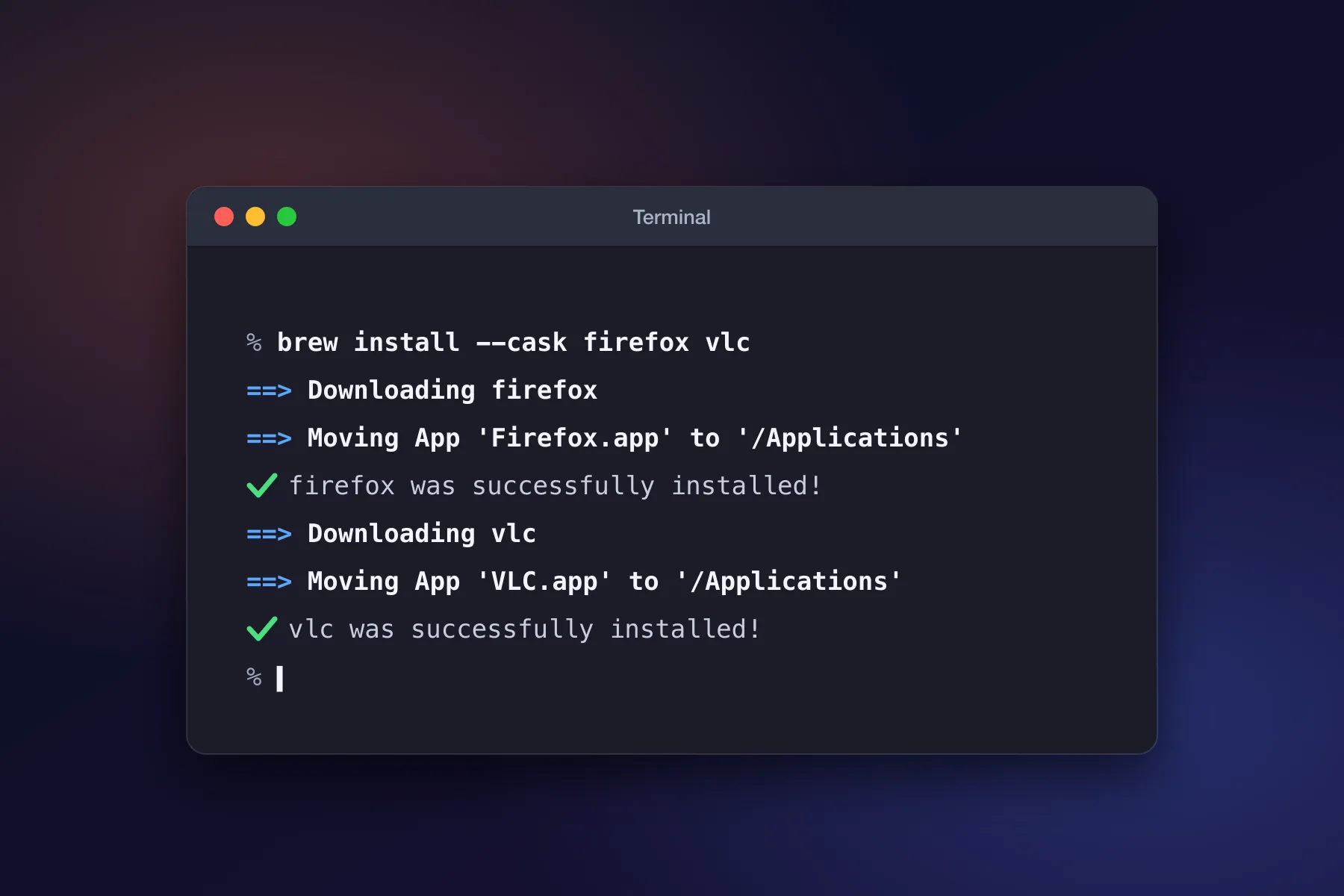
If you've ever looked up how to do something a bit more advanced on a Mac, you've probably been told to "just install it with Homebrew", followed by a line to paste into Terminal. If that sounded like a step too far, this guide is for you.
Homebrew is one of the most useful free tools for the Mac, and you don't need to be a developer to use it. Here's what it is, why it exists, when it's worth using (and when it isn't), and how to get started.